


Now Is the Time to Future-Proof Nonstop
Transform your Nonstop systems with GenAI-powered documentation to preserve knowledge, empower your team, and build a sustainable future for legacy code.

Modernize and Protect Your HPE Nonstop Environment
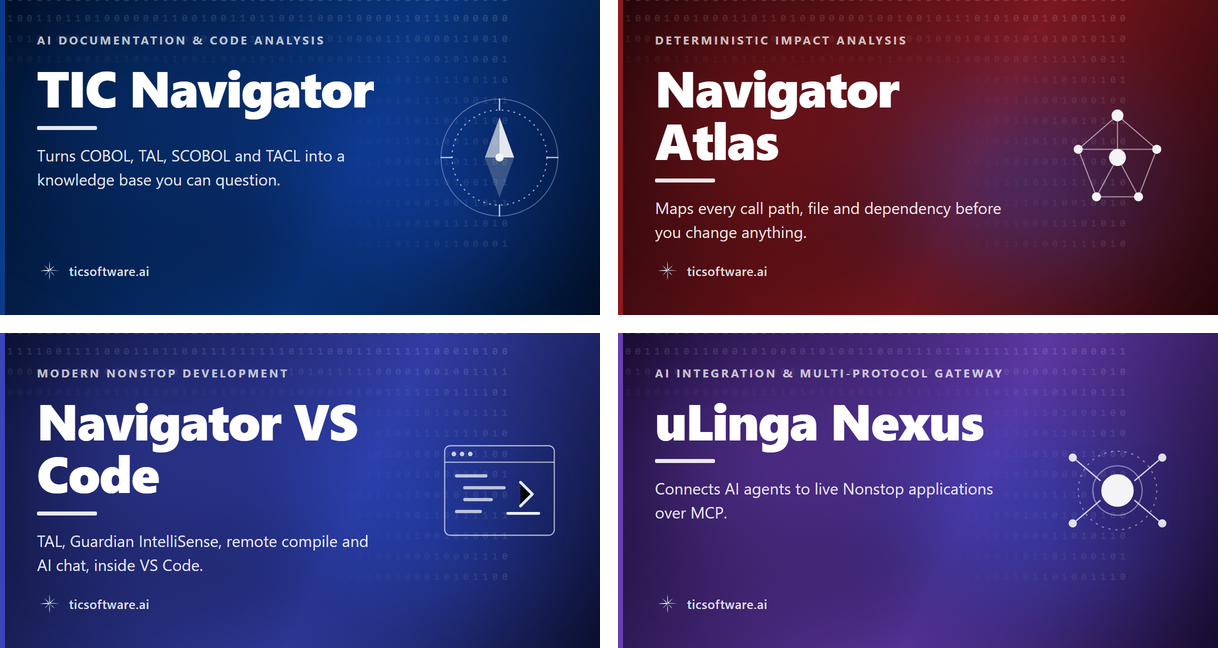
Decades of institutional knowledge walking out the door as senior staff retire?
Legacy COBOL and TAL applications nobody fully understands, blocking your modernization plans?
Every code change a leap of faith because nobody knows the downstream impact?
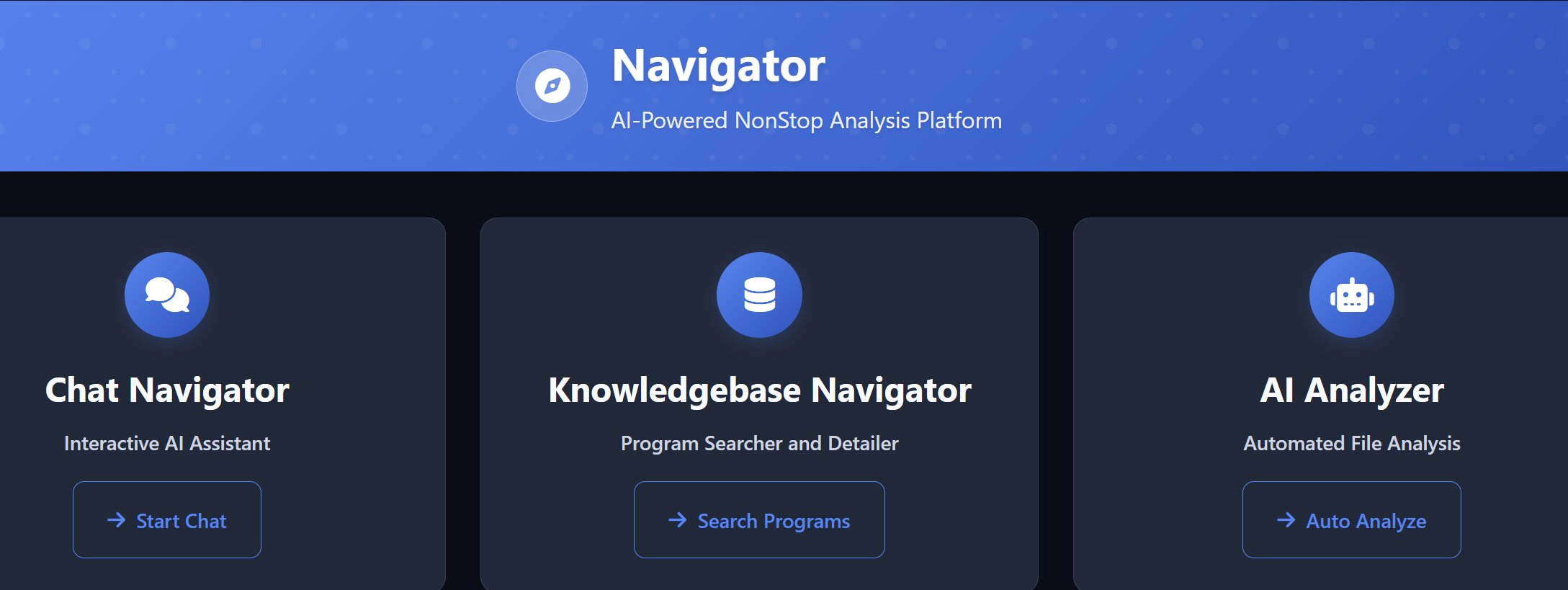
Navigator's three integrated surfaces: interactive AI chat, searchable program knowledge base, and automated file analysis.
TIC Navigator is an AI-powered documentation and code analysis tool designed for HPE Nonstop environments. It analyzes COBOL, SCOBOL, TAL, C/C++, and TACL code to extract business rules and system behavior, presenting them in plain language and diagrams. It creates a searchable knowledge base that helps teams understand legacy code without rewriting it, supporting modernization efforts.
Navigator answers the questions your team asks every day:
"How am I going to get a new developer to understand this code?" — Development Manager
"There is a production problem with this program. Where is the bug?" — Support
"What business functions does this application provide?" — Business Analyst
"I need to add a new function in this program. Where do I start?" — Maintenance Developer
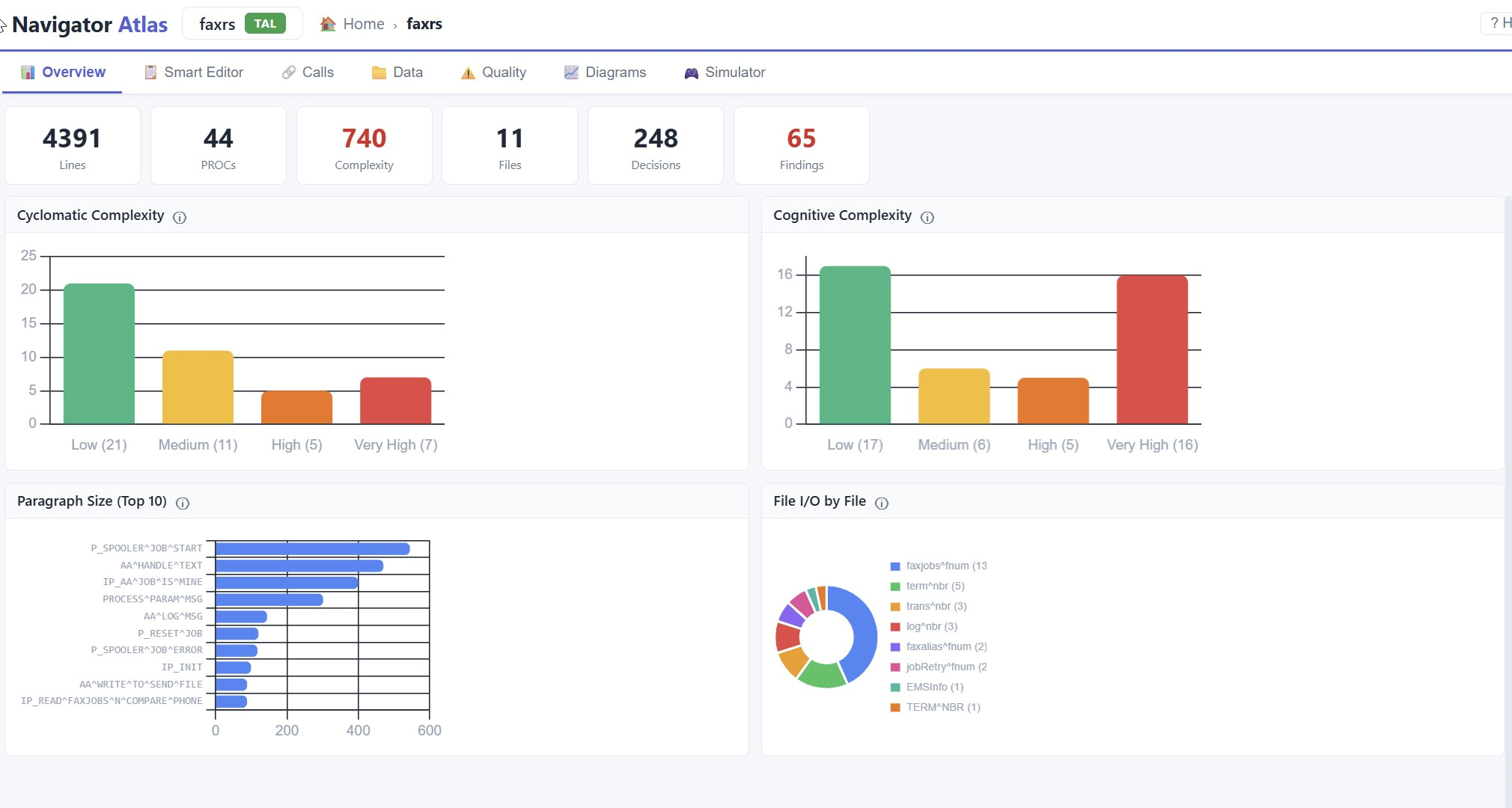
Atlas overview of a 4,391-line TAL program: complexity metrics, paragraph distribution, file I/O analysis, and 65 deterministic findings.
Atlas answers the questions you need answered before you touch anything. It performs deterministic static analysis of your COBOL, TAL, and SCOBOL source - mapping every call path, every file access, every field reference — and gives you a complete impact picture in seconds.
Atlas answers the questions that prevent costly mistakes:
"If I modify this program, what other programs will that affect?" — Developer
"What happens if I modify this table?" — DBA
"I need to test this new version. What other modules do I need to test?" — QA Manager
"What are all the programs and tables in this application we want to modernize?" — Architect
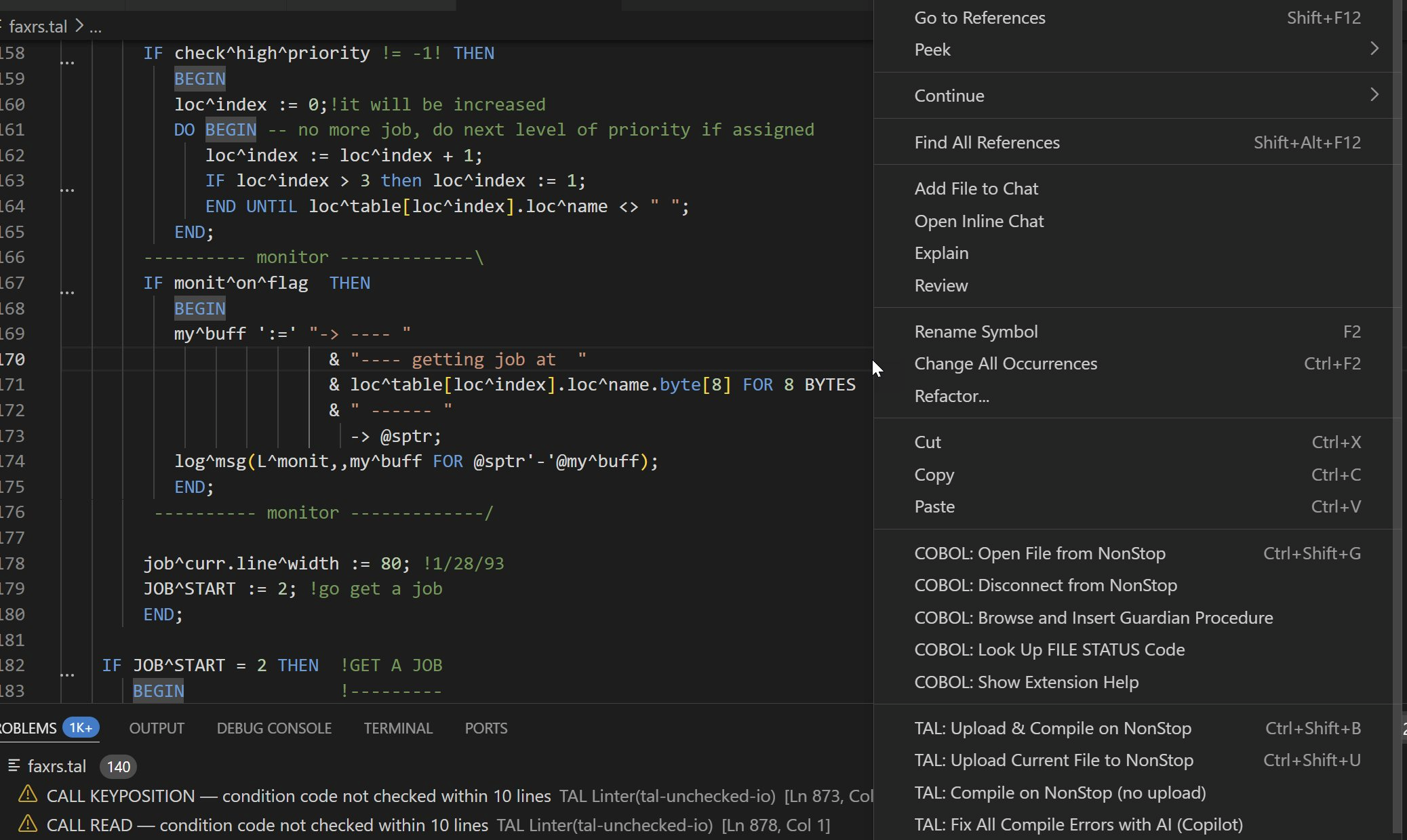
Editing real TAL in VS Code with Nonstop-aware commands: upload and compile on Nonstop, AI-powered error fixes, COBOL and Guardian procedure browsing, all from the right-click menu.
Navigator VS Code is a modern IDE extension with complete TAL language support, Guardian API IntelliSense, integrated linter, remote Nonstop compile, and AI-powered chat. Developers edit code with real-time syntax highlighting and error detection, upload to Nonstop, run remote compilers, and see results mapped back to their editor — without leaving VS Code.
Navigator VS Code brings Nonstop development into the modern world:
"I can't recruit younger developers — they won't use 1990s tools." — Development Manager
"I want VS Code, IntelliSense, and AI chat — the way I work everywhere else." — New Developer
"How can we leverage AI to increase our Nonstop development productivity?" — CIO
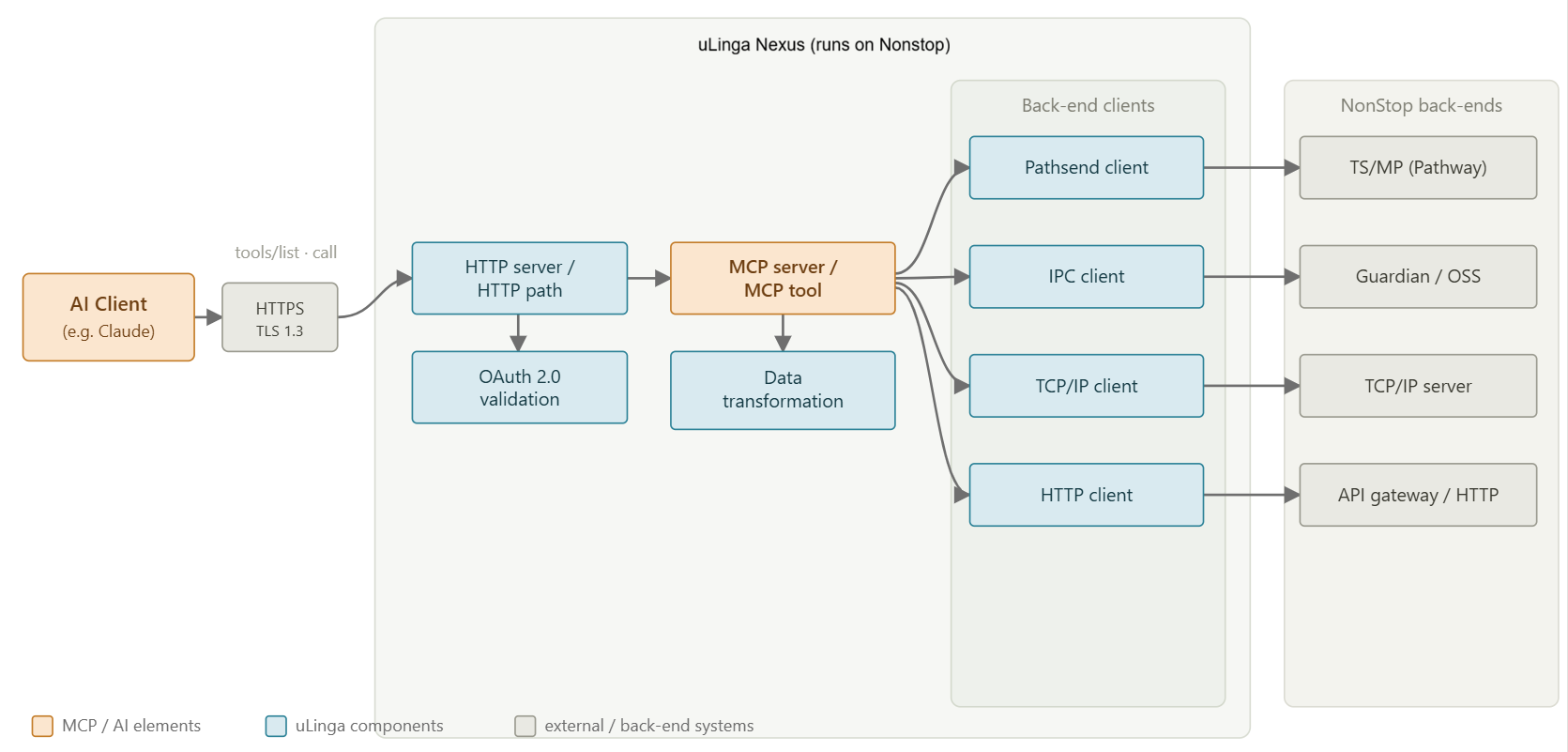
How an AI client reaches Nonstop: MCP over TLS, with OAuth validation and data transformation inside Nexus, then out through Pathsend, Guardian IPC, TCP/IP or HTTP.
uLinga Nexus is an AI integration and multi-protocol gateway that runs on HPE Nonstop. It exposes your existing Pathway, Guardian, and TCP/IP applications to AI agents through the Model Context Protocol (MCP), transforming messages between binary fixed-format, ISO 8583, and JSON on the way through. Your core applications stay exactly as they are — Nexus is an overlay, not a rewrite.
uLinga Nexus answers the questions modernization keeps raising:
"How do we let an AI agent work with live transaction data without a middleware rewrite?" — Architect
"Our payments speak ISO 8583 and the new API expects JSON. Who translates?" — Integration Lead
"Can we add OAuth and TLS without touching decades-old TAL and COBOL?" — Security Officer
"How do we expose Pathway services to a modern client without rebuilding them?" — Development Manager
Transform your Nonstop systems with GenAI-powered documentation to preserve knowledge, empower your team, and build a sustainable future for legacy code.
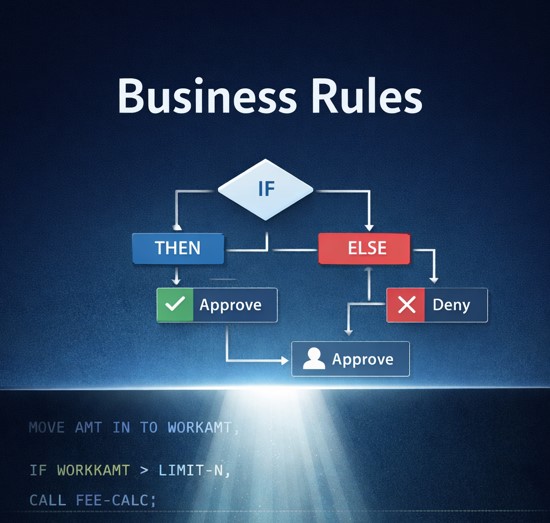
Explore how automated business rule extraction transforms hidden logic in legacy Nonstop code into clear, actionable business specifications. Learn why this matters for modernization.
Learn practical strategies for successful GenAI implementation in Nonstop environments. Discover how to move beyond the hype and achieve measurable business outcomes.